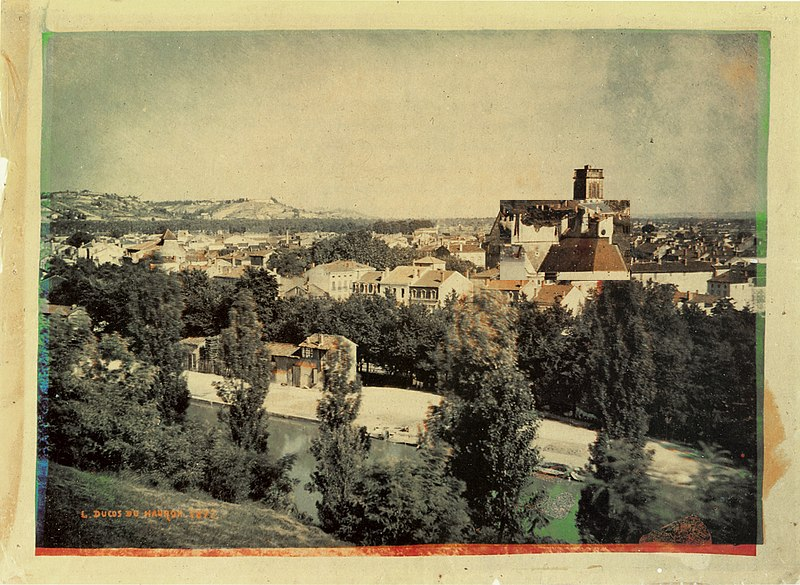
Images
import PIL
from PIL import Image
import numpy as np
import matplotlib.pyplot as plt
import scipy.signal as sp
import urllib.request
##download the image
imgURL = "https://raw.githubusercontent.com/smart-stats/ds4bio_book/main/qbook/assets/images/Duhauron1877.jpg"
urllib.request.urlretrieve(imgURL, "Duhauron1877.jpg")
## Load it into PIL
img = Image.open("Duhauron1877.jpg")
## You can see it with this, or img.show()
img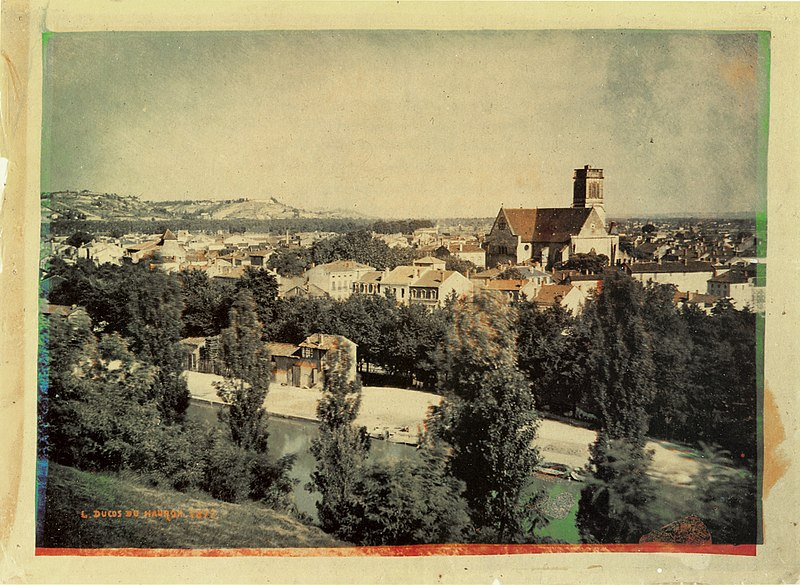
PIL objects come with a ton of methods. For example, if we want to know whether we have an RGB or CMYK image, just print its mode.
print(img.mode)RGB
r, g, b = img.split()

plt.figure(figsize=(10,4));
plt.subplot(1, 3, 1);
plt.axis('off');
plt.imshow(r);

plt.subplot(1, 3, 2);
plt.axis('off');
plt.imshow(g);

plt.subplot(1, 3, 3);
plt.axis('off');
plt.imshow(b);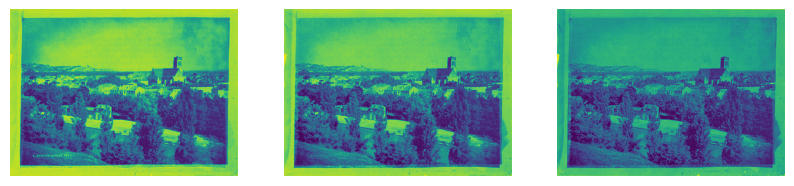
If you’re tired of working with the image as a PIL object, it’s easy to convert to a np array.
img_array = np.array(img)
img_array.shape
(585, 800, 3)Before we leave PIL, it should be said that most image operations can be done in it. For example, cropping. Consider cropping out this house.
bbox = [500, 200, 630, 280]
cropped = img.crop(bbox)
cropped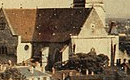
We can rotate the house and put it back
rot = cropped.transpose(Image.Transpose.ROTATE_180)
rot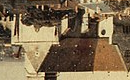
##Note this overwrites the image
img.paste(rot, bbox)
img